
Oplink.net help center
How do I manage quarantined email in MailChannels?
MailChannels filters unwanted email before it reaches your inbox. Use the quarantine log to review held messages, release legitimate email, and manage trusted or blocked senders.
Log in or sign up
Use the full email address of the mailbox you want to review. If MailChannels sends a verification email, follow the link to confirm your access.
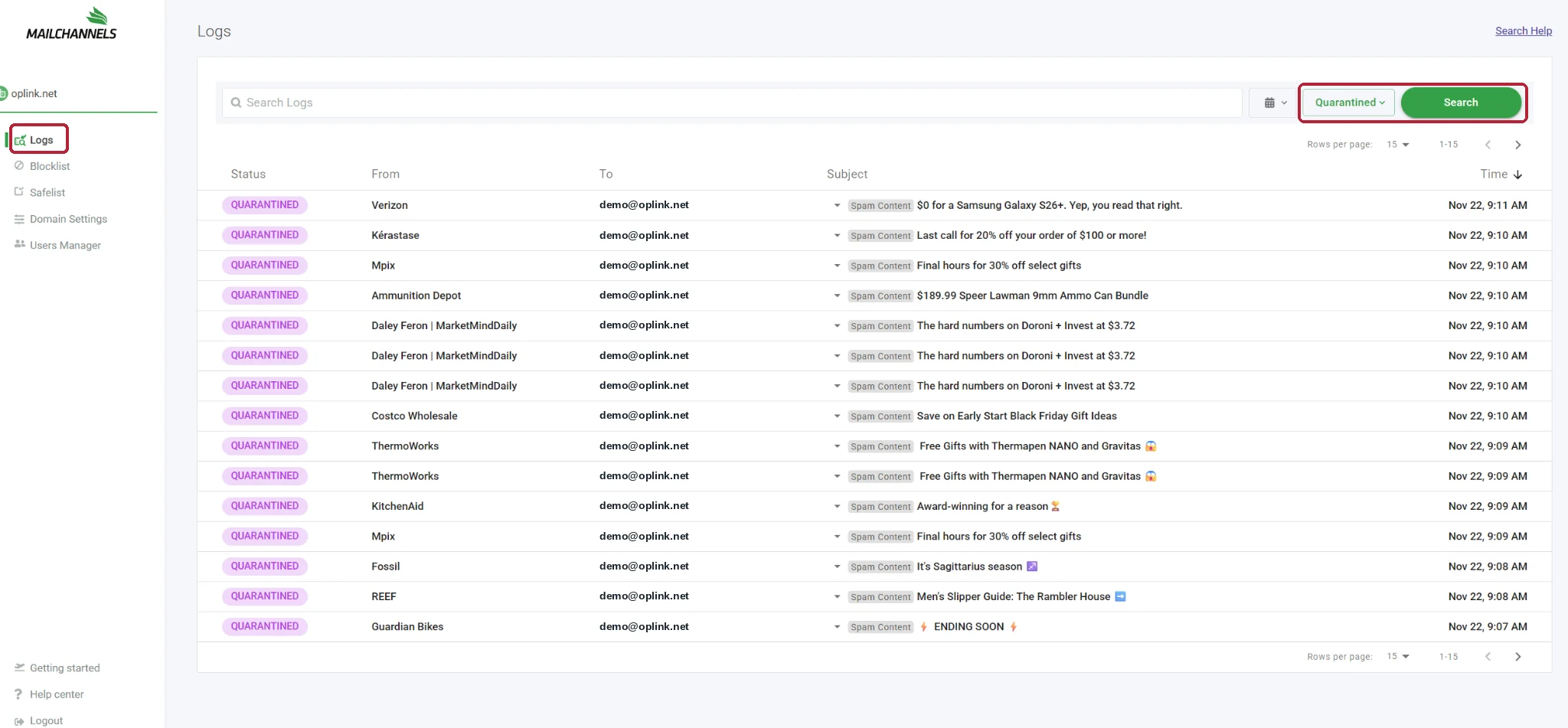
Click Logs and find quarantined messages
From the left-hand menu, click Logs. Set the status filter to Quarantined, then click Search. You can use Search Logs to narrow the results by sender or subject.
Choose an action
Find the message you want to manage, then hover over its row to reveal three action icons on the far right. Choose the one that matches what you want to do.
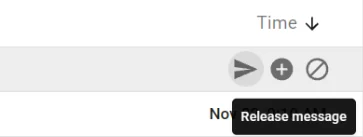
Release message
Click the arrow icon to deliver the held message to your mailbox. Release only messages you recognize and expect.
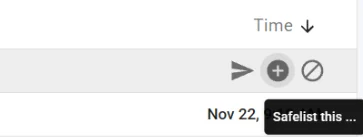
Safelist sender
Click the plus sign to add a trusted sender to your Safelist. This helps with future messages. To retrieve an email already held, also use Release.
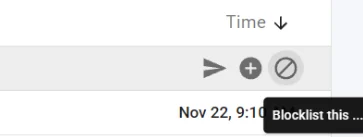
Blocklist sender
Click the circle with a slash to add an unwanted sender to your Blocklist. The rule applies to future messages from that sender.
Need a hand?
If you cannot see Logs, cannot find a message, or a released email never reaches your inbox or Junk folder, open a support ticket. Include the recipient address, sender address, and approximate time so we can investigate.
Open an Oplink support ticket